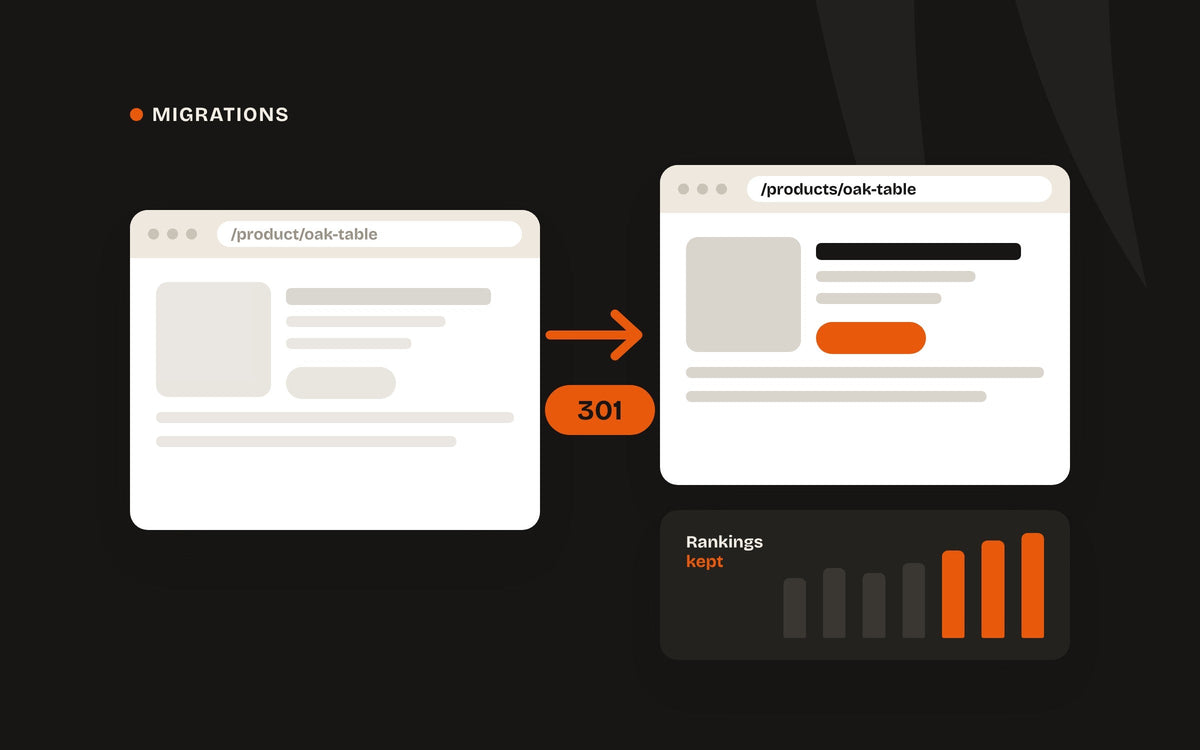
When a store moves to Shopify, almost every URL changes. Shopify uses fixed paths — /products/, /collections/, /pages/ — so the addresses Google has indexed for years suddenly point nowhere. Handle that properly and your rankings carry straight across. Skip it and you start again from zero.
1. List every URL you have
Before anything moves, get a complete list of your current URLs. Export them from Google Search Console, run a crawl of the site, and include anything that has backlinks pointing to it. If two old sites are being merged, do this for both.
2. Map old URLs to new
Match every old URL to its closest new page — product to product, category to collection. Avoid sending everything to the homepage; Google treats that much like a missing page.
A redirect map is the cheapest insurance you'll ever buy for your search traffic.
3. Set up 301 redirects
A 301 tells search engines a page has moved permanently, passing its ranking signals to the new address. Shopify has a built-in URL redirects tool that accepts a CSV import, so a full map can go in at once — set it up before you switch your domain over.
4. Carry your SEO content across
Page titles, meta descriptions, headings, image alt text and product copy are what earned your rankings. Migrate them deliberately rather than starting fresh — then improve them once the new store has settled.
5. Watch it after launch
Submit your new sitemap in Search Console on launch day, then check for 404 errors and indexing issues over the following weeks. Some movement is normal while Google re-crawls; a sharp, lasting drop usually means a redirect was missed.
Redirect mapping is included in every TigerCommerce migration. Not sure yet? Our audits cover any platform.